Usage guide
An eight-step walkthrough for setting up saṃpuṭi for your family, the first time — from signing in to building habits that keep it useful for years.
Step 1 of 8
01
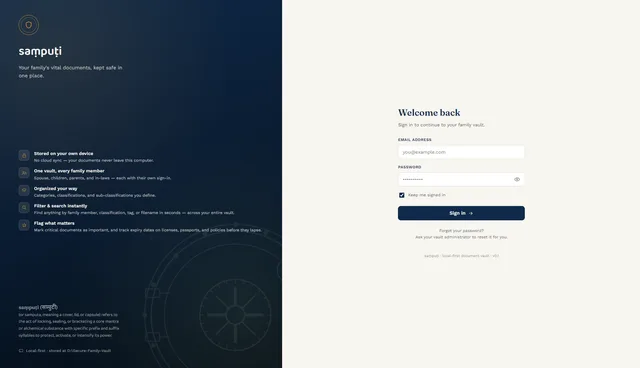
Sign in
Each family member signs in with their own email and password.
- The Captain (primary account holder) sets up everyone else's credentials.
- "Keep me signed in" is available if this is a personal, trusted device.
02
Set up your family
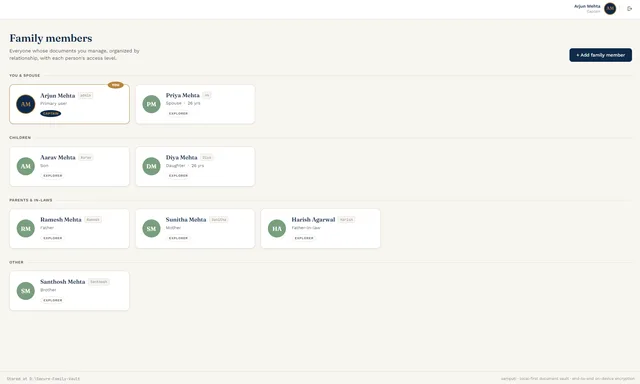
Add every family member whose documents you'll be managing.
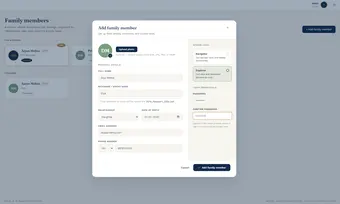
- From Family profiles, add each person: name, nickname, relationship, date of birth, contact info, and access level.
- Nicknames matter — they become the filename prefix for every document that person owns.
- Assign Navigator access to anyone who should be able to upload, and Explorer to anyone who should only view.
Worth knowing: changing a nickname later doesn't rename files already uploaded under the old one — decide nicknames before uploading in bulk.
03
Organize your vault
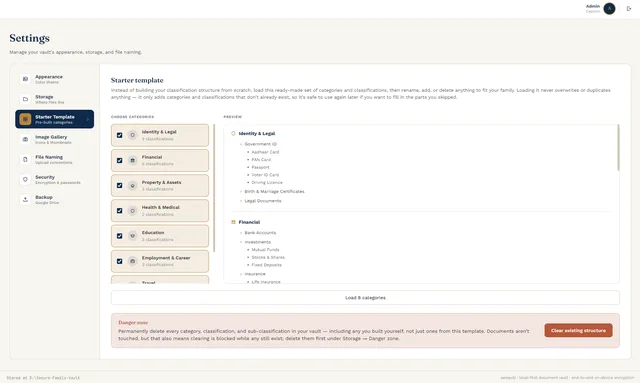
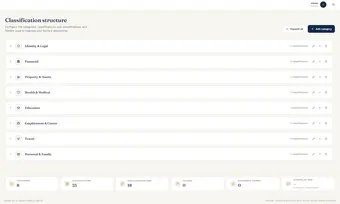
Build the category structure your family's documents will actually live in.
- Fastest path: load the Starter Template for a ready-made set of categories and classifications.
- Or build it yourself: Add category, then classifications and sub-classifications underneath.
- Either way — rename, add, reorder, or delete anything afterward. Nothing here is permanent.
04
Upload your first document
Get a real document into the vault, properly tagged.
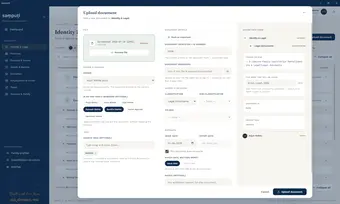
- Open a category or classification, then Upload document.
- Assign an owner — this drives the filename — and optionally tag other family members who should also see it.
- Add the document ID, issue/expiry dates, and any search tags. Mark it important if it matters.
- Check the live filename and folder preview before confirming the upload.
05
Find anything fast
The payoff for tagging things properly in step 4.
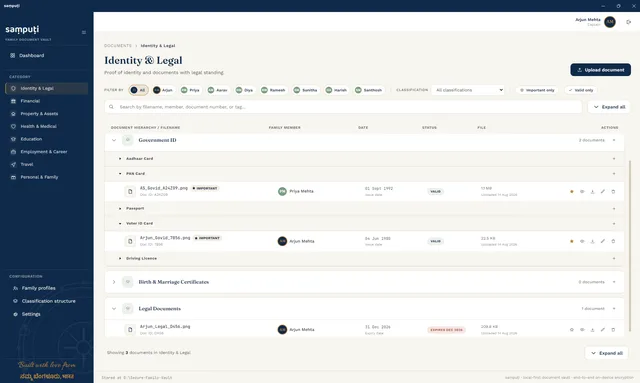
- Use the filter bar to narrow by family member or classification.
- Toggle Important only or Valid only to cut straight to what matters.
- Or just search — filenames, document numbers, and tags are all indexed together.
06
Customize your dashboard
Make the landing screen show what actually matters to you.
- Use Customize dashboard to choose which widgets appear — Needs Attention, Recent Uploads, Important Documents, and more.
- The Overview stats and category breakdown are always there for a quick pulse-check, regardless of widget choices.
07
Configure settings
The one-time setup worth doing early.
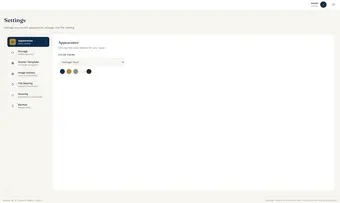
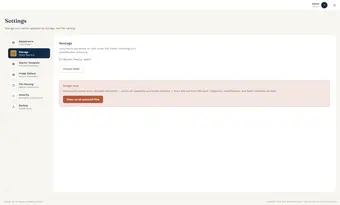
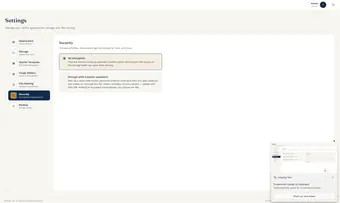
- Appearance, Storage, Image Gallery, File Naming, Security, and Backup all live under Settings.
- None of it is permanent — but Security and Storage are worth deciding early, since they affect how existing documents behave if changed later.
08
A few habits worth building
Small things that pay off over months, not minutes.
Decide nicknames before bulk uploads
Filenames are generated once — changing a nickname later won't retroactively rename existing files.
Tag a little more generously than feels necessary
Tags cost nothing to add and save real time searching six months from now.
Check "Needs attention" monthly
It only helps if someone actually looks at it — put a reminder on your own calendar, not just saṃpuṭi's.
Decide on encryption early
Turning encryption on later doesn't retroactively encrypt documents already uploaded.
Want to look up a specific feature instead?
Browse the full feature catalog